How it works
From your resume to a job-ready file in seven steps
About ten minutes the first time, two or three after that. Every screenshot below is the real app, run on a sample candidate.
Add your resume
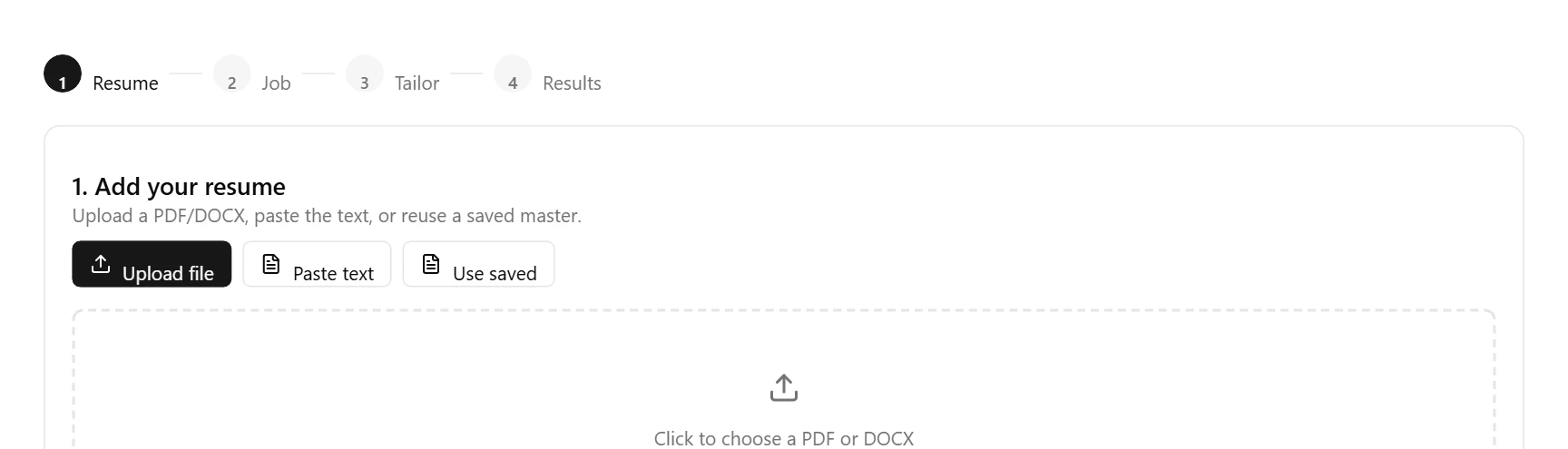
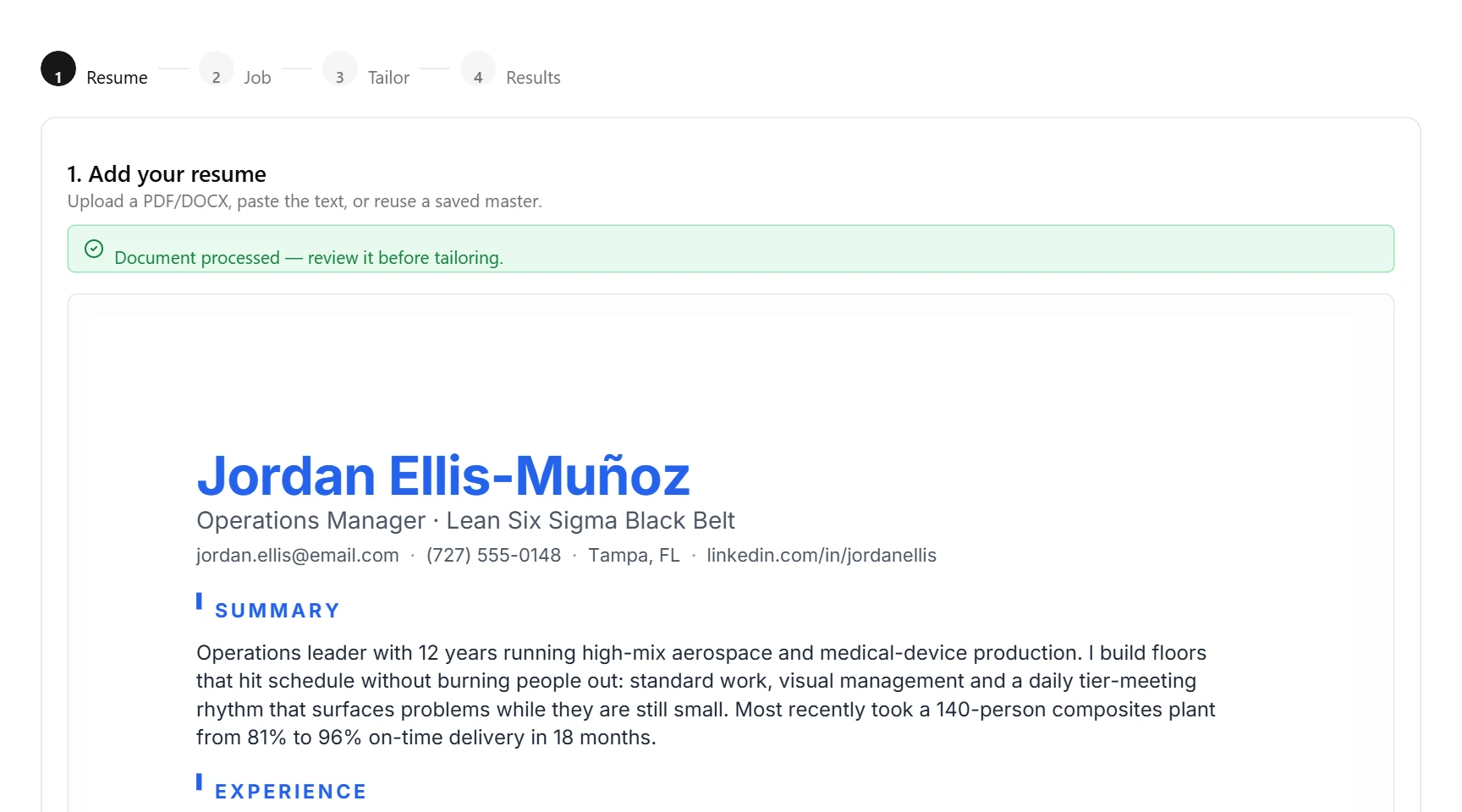
Upload a PDF or Word file, paste the text, or reuse one you saved earlier. Fitted pulls it into structured sections and shows you the parsed version before it touches anything, so a mangled date or a missing job gets caught here instead of in the final file.
Paste the job you want
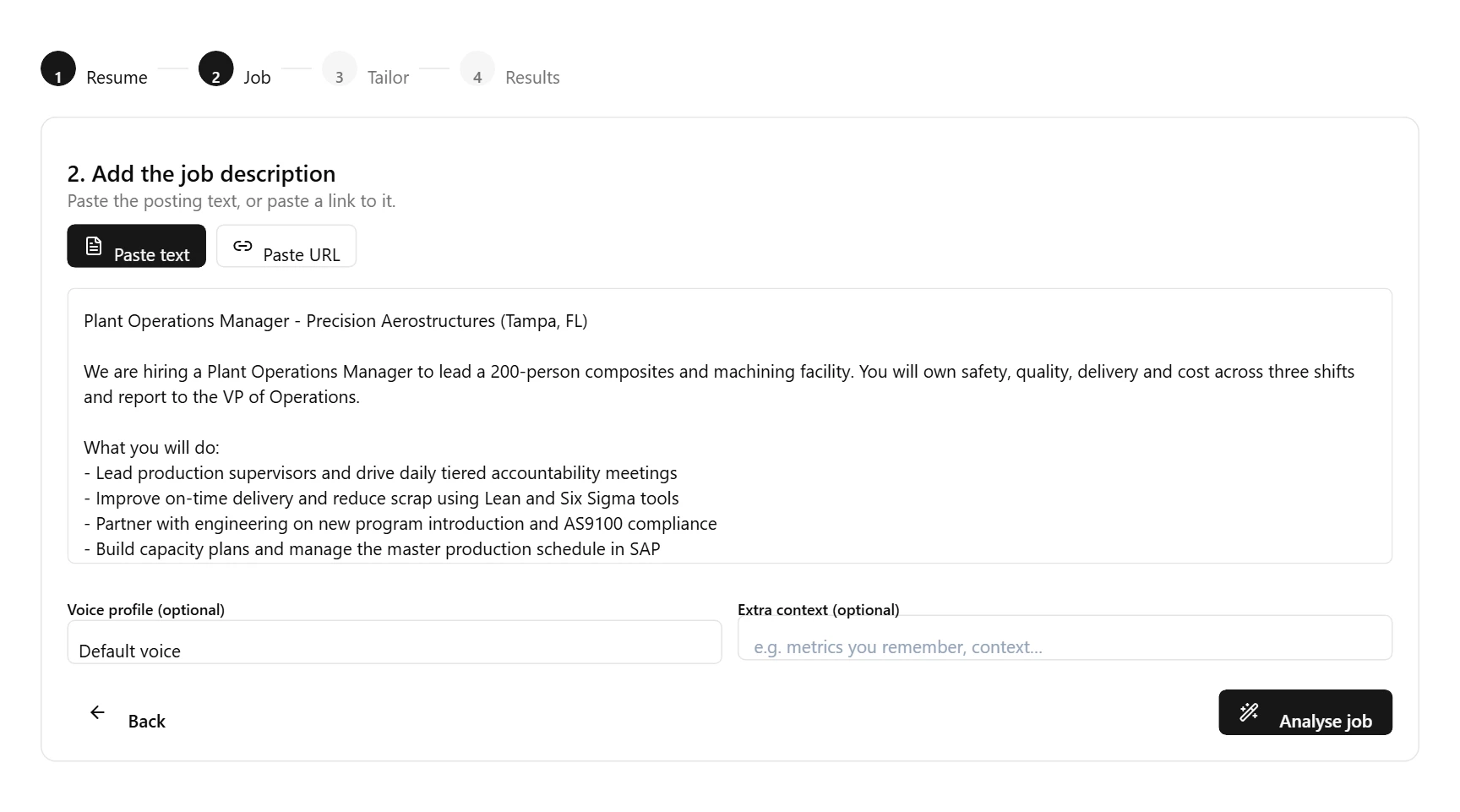
Drop in the full job description, or paste the posting URL. Fitted reads it the way an applicant tracking system does: it pulls out the must-have keywords and the seniority level, and that becomes the target your resume is tailored to.
Tailor, then check both scores
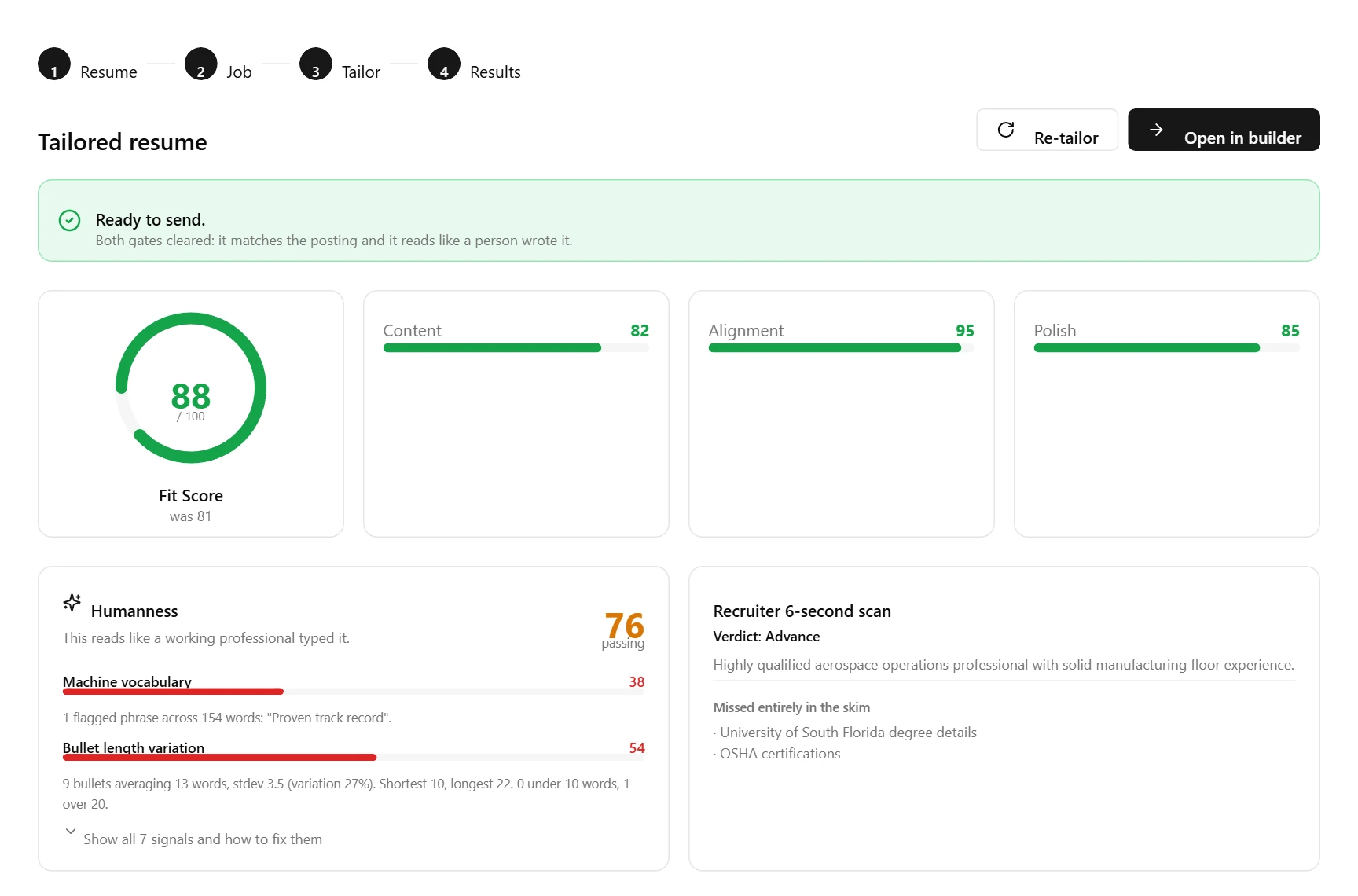
One click rewrites your resume for that job. You get two separate gates, and both have to pass. The Fit Score says how well you match the posting. Humanness says whether it still reads like a person wrote it, with every flagged phrase called out. You also see a recruiter's six-second skim: what they notice and what they miss.
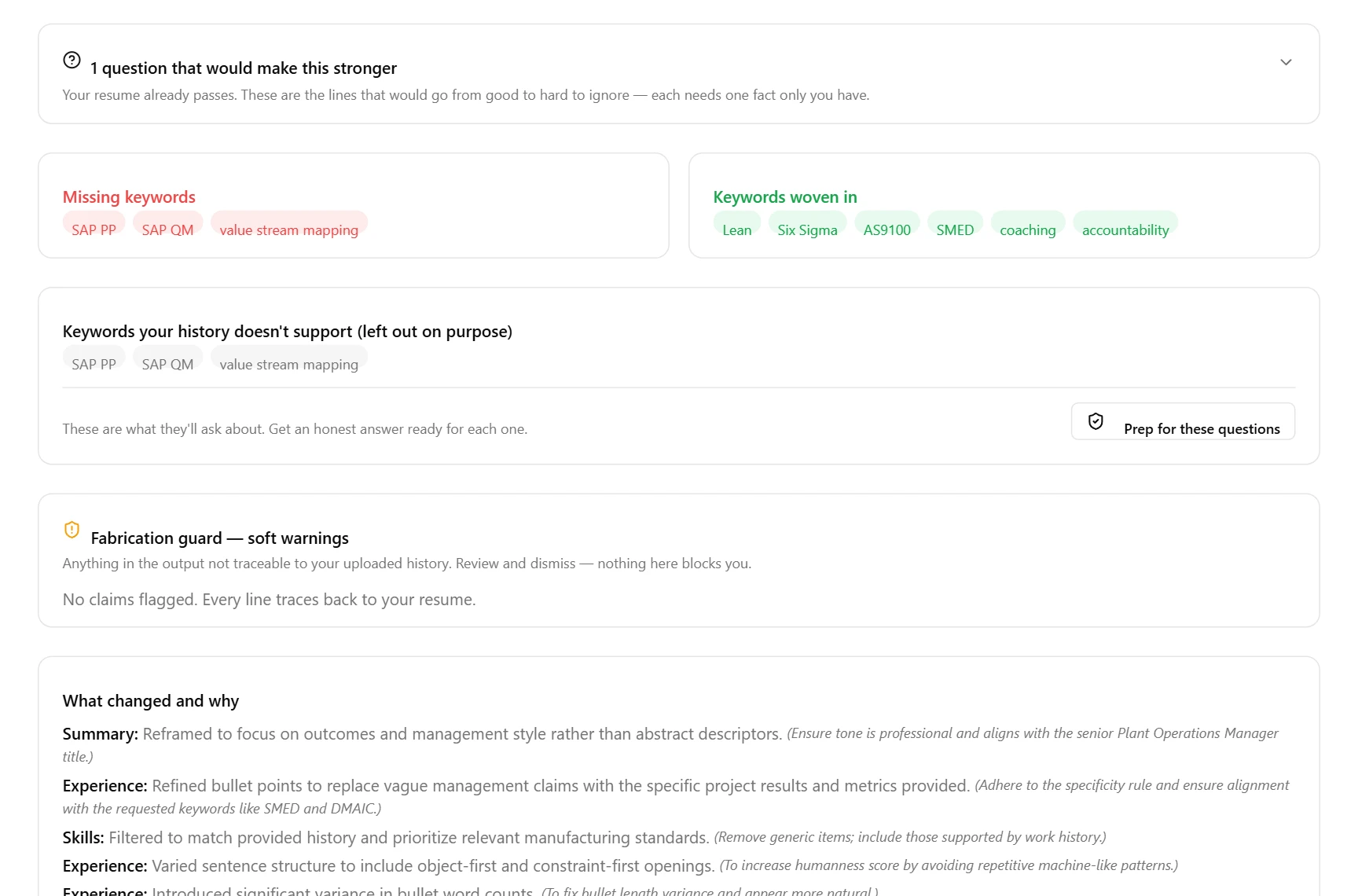
Answer the questions. Review the guard.
Where a bullet would land harder with a number only you know, Fitted asks instead of inventing one. Keywords your history genuinely does not support are left out on purpose and listed, so you can prep an honest answer for the interview. The fabrication guard flags anything it cannot trace to what you uploaded. Nothing here blocks you; you decide what ships.
Pick a template
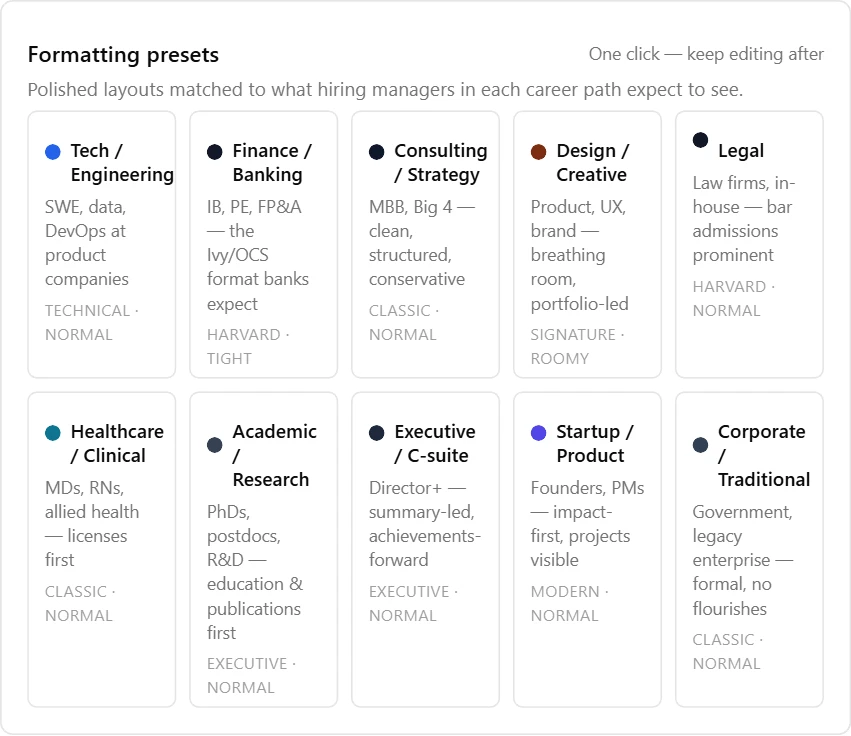
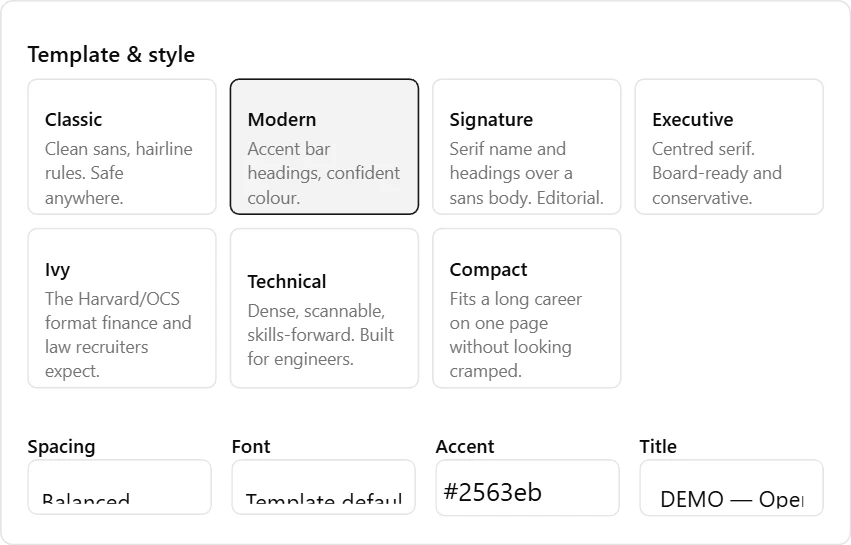
Open the result in the builder. Choose one of seven templates, or one click on an industry preset (finance, healthcare, tech, legal and more) sets the template, colour, spacing and section order hiring managers in that field expect. Edit any line directly; the preview is drawn from the same engine as the download.
See what the machine sees
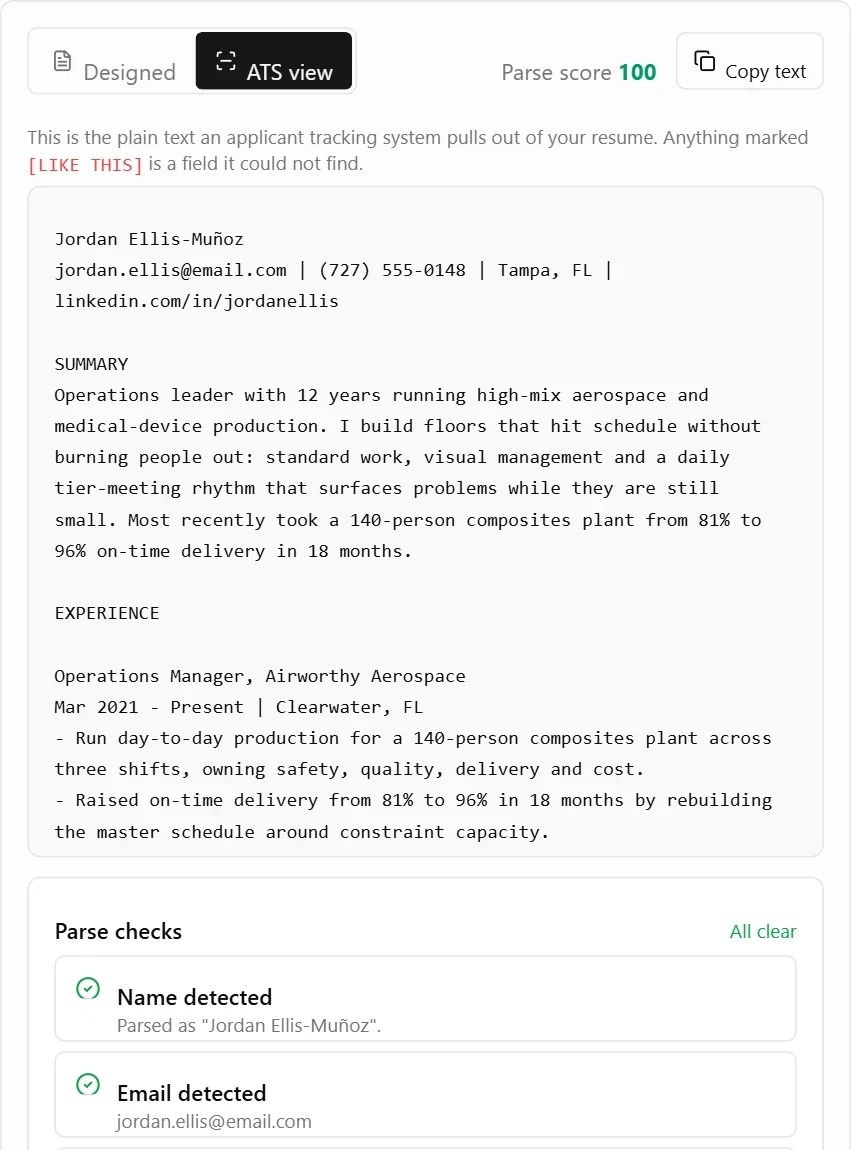
Flip to ATS view to read the exact plain text an applicant tracking system pulls out of your file, plus a parse score and a check for every field a parser looks for. If something would not come through, it says what and how to fix it before you send.
Export PDF and Word
Download a print-ready PDF with embedded fonts and clickable contact links, plus an editable Word file for upload forms that ask for .docx. Files are named the way recruiters want them, Firstname-Lastname-Role, so yours is easy to find in a folder of forty.
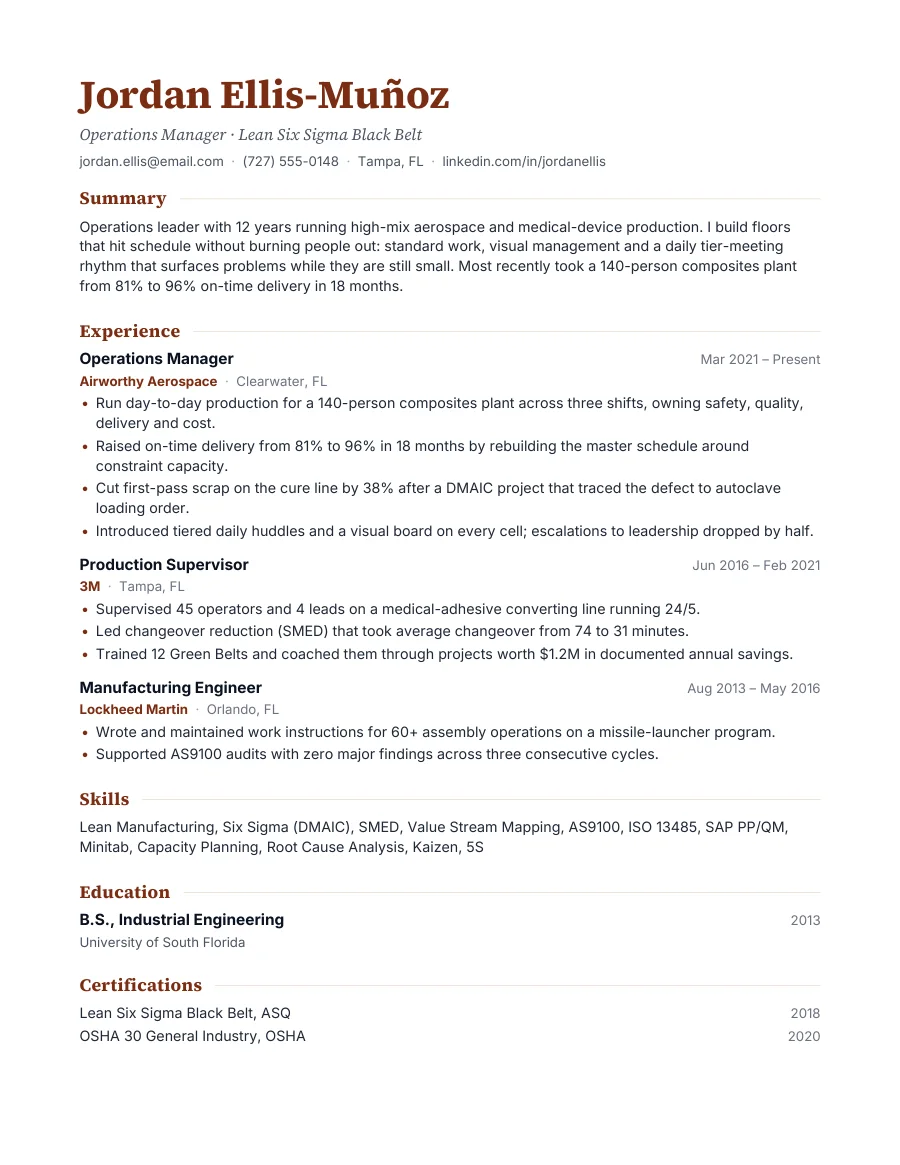
All seven templates
Each one is a real export from the same engine you download from. Click through them.
- Single column, real selectable text. Parses cleanly in Workday, Greenhouse, Lever and Taleo.
- Embedded typefaces, so it looks identical on the recruiter's screen and on paper.
- Clickable email, phone and LinkedIn. Page count only when it runs to two pages.
- Every template exports as PDF and as an editable Word file.
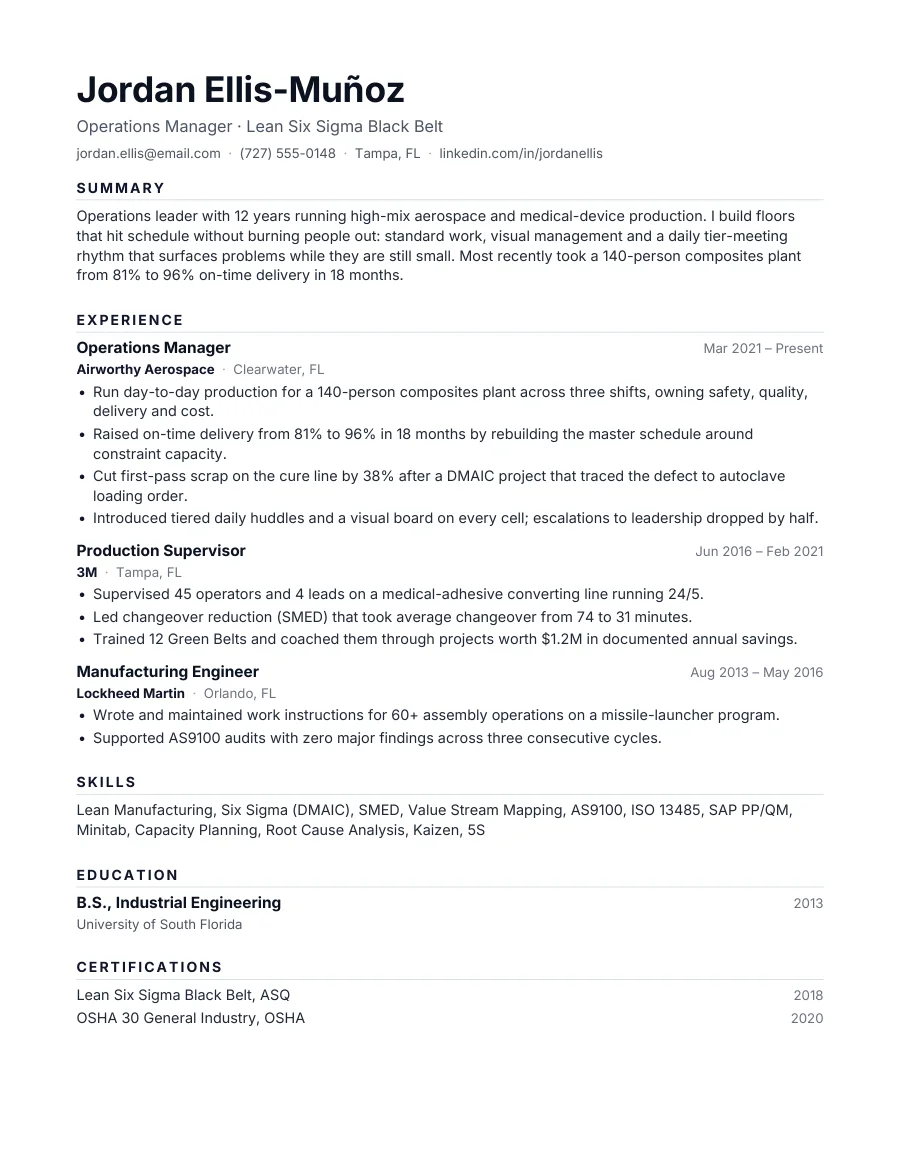
Try it on your own resume
Two free tailored resumes. No card to start.
Tailor my resume